Three ways in
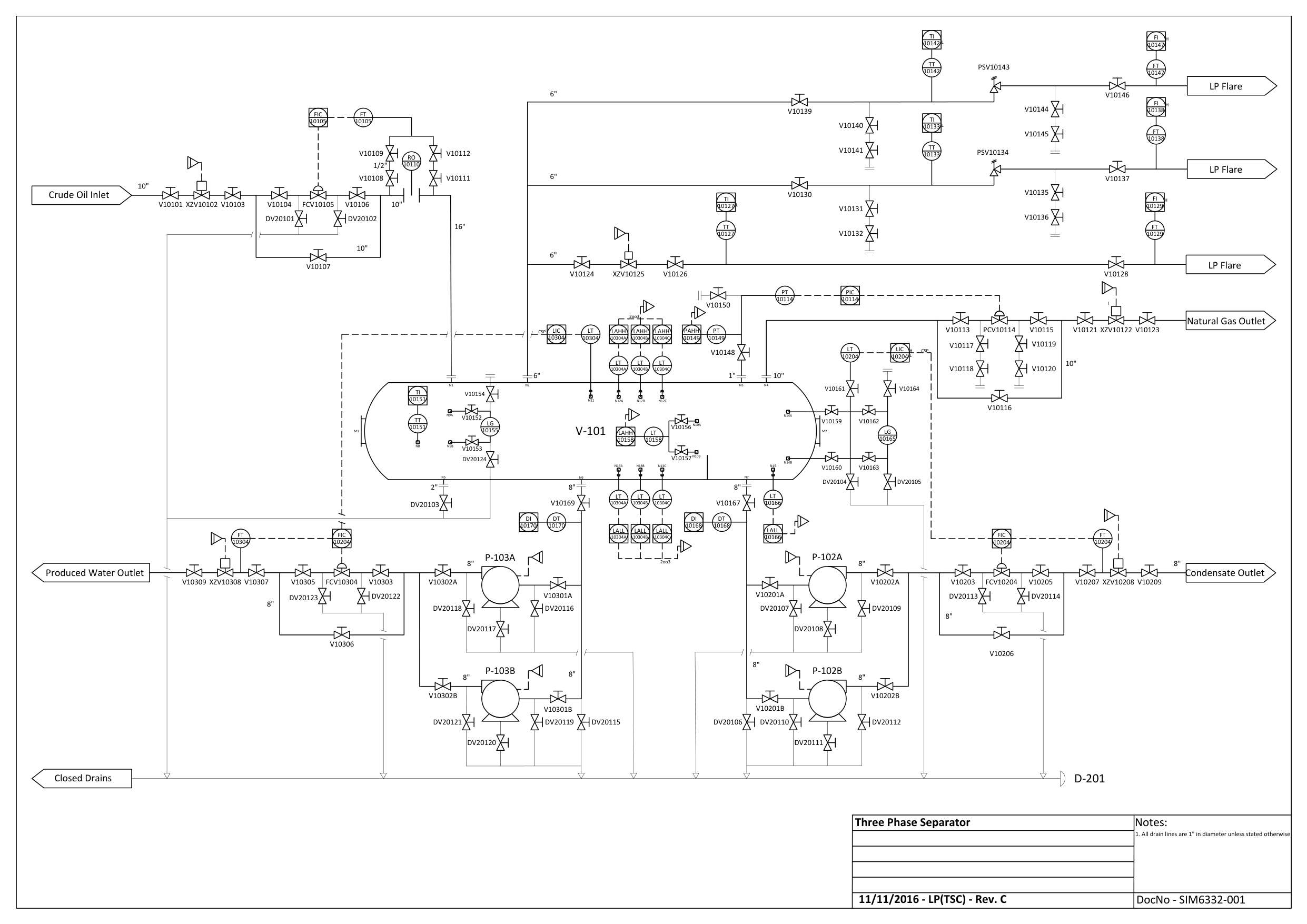
Insert a P&ID → you get a SKETCH: the layout — every part named from the drawing, connected as the drawing says.
Example: the Three-Phase Separator →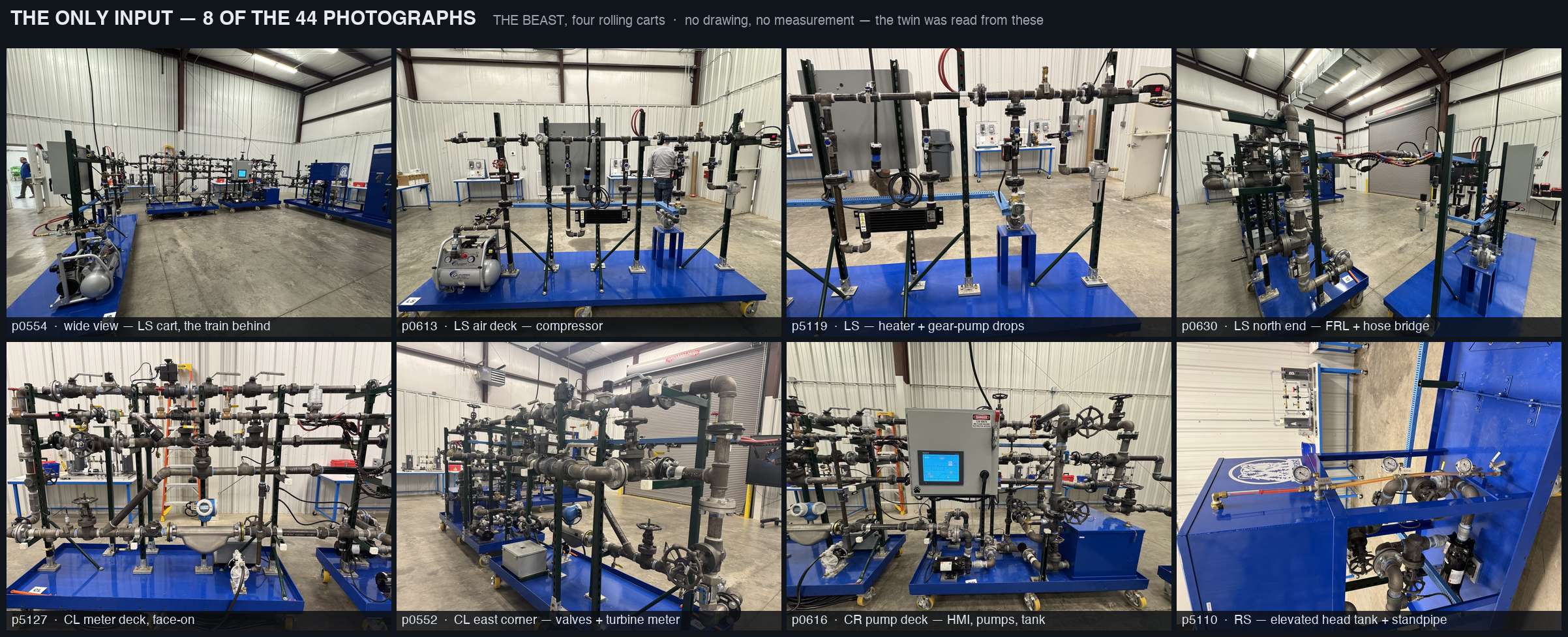
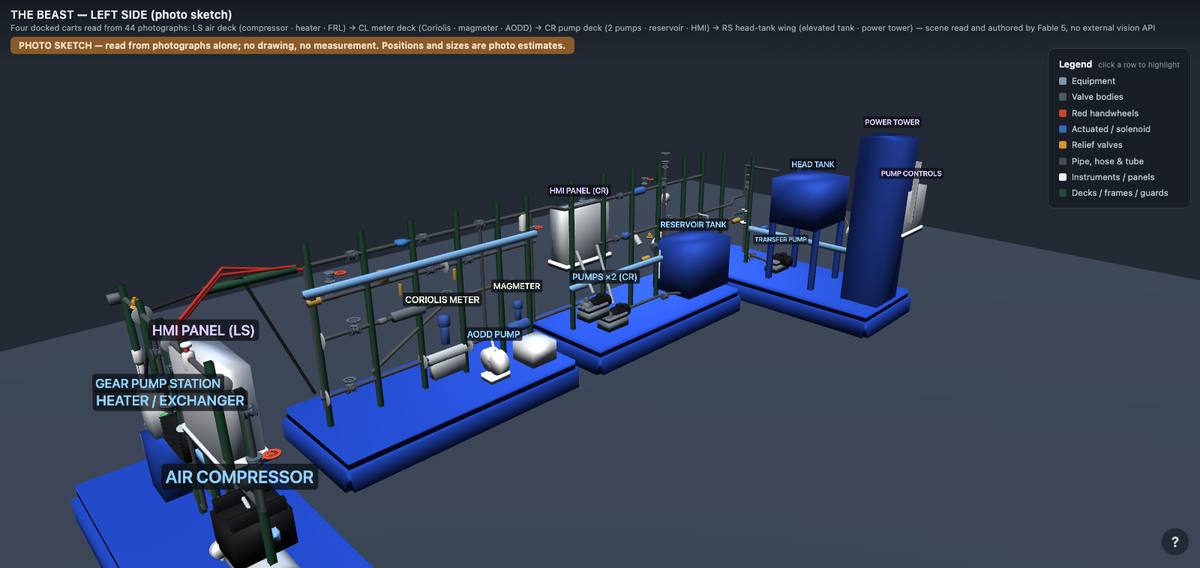
Insert only photographs → you get a PHOTO SKETCH: the machine as the camera saw it — parts identified, placed and piped from pictures alone. No drawing needed.
Example: the whole Beast, from 44 photographs →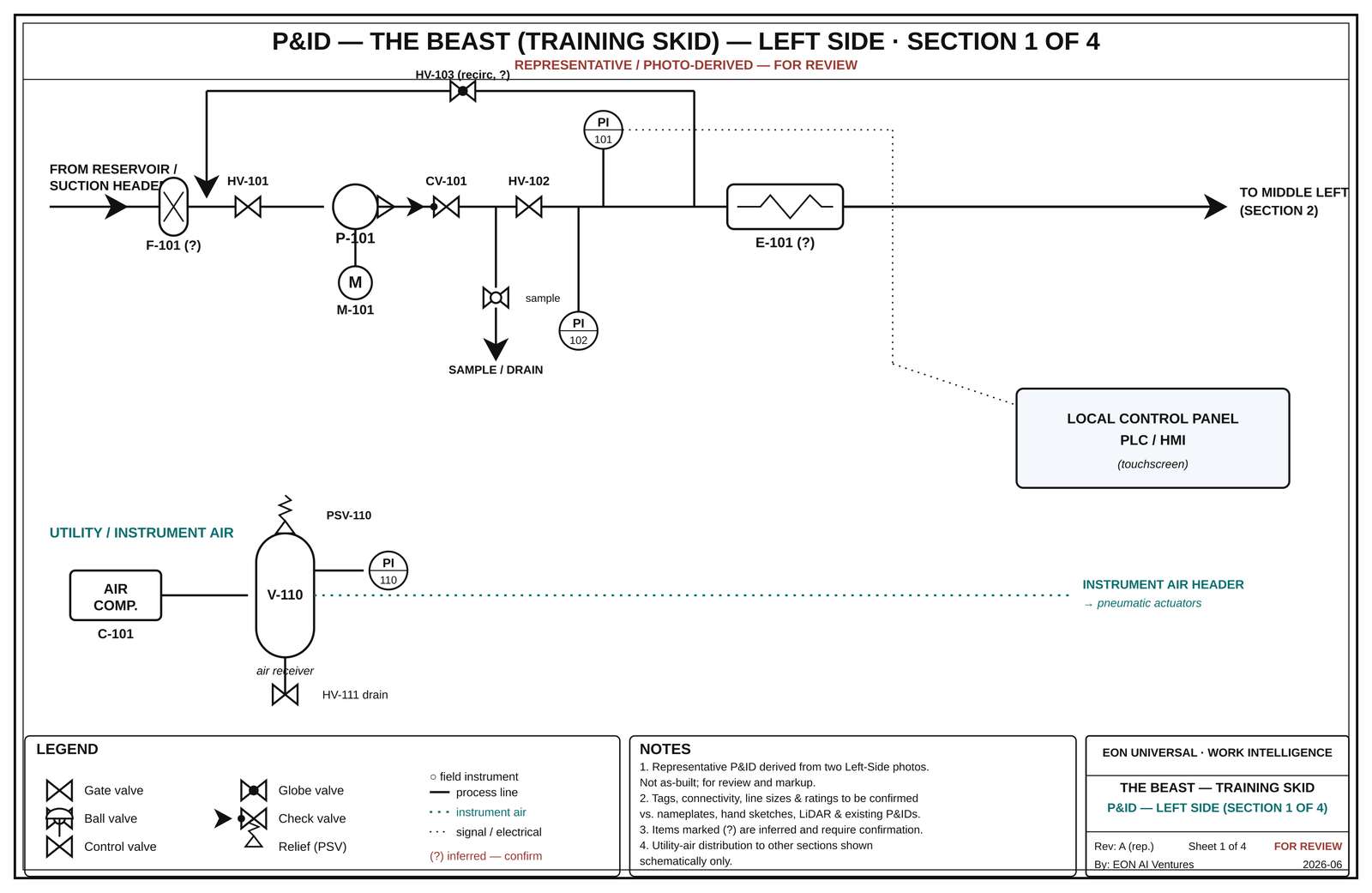
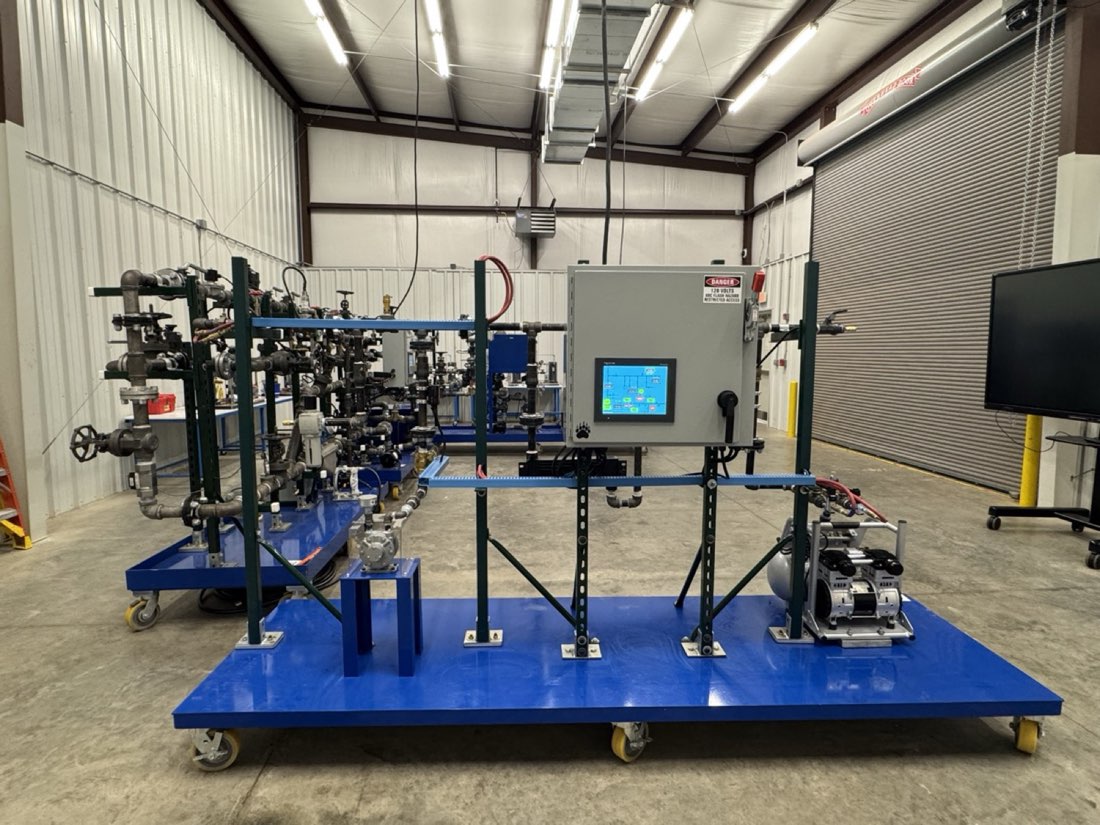
Insert drawings AND photographs → you get a FRAME: the process from the drawing, the physical locations from the photos.
Example: the Beast's left side as a Frame →The shelf — five twins, all live
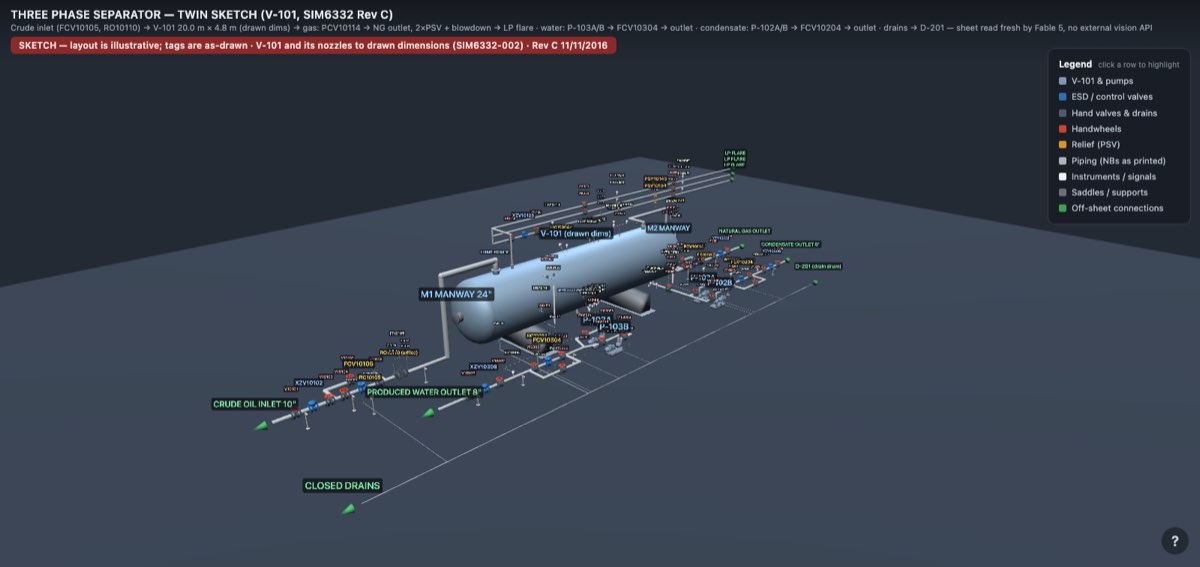
Three-Phase Separator — Sketch (P&ID only)
A Sketch from the P&ID alone — one emailed drawing became this 314-part separator train, V-101 and its nozzles at drawn dimensions.
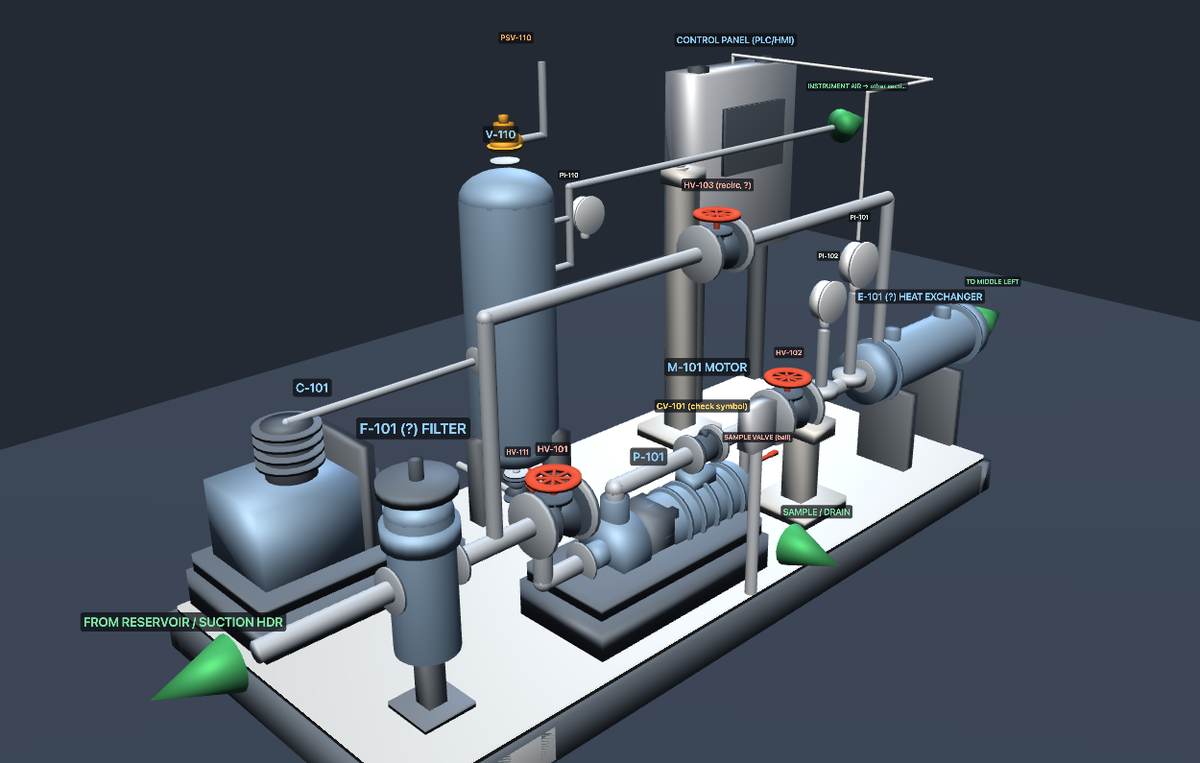
THE BEAST — left side (Sketch from the P&ID)
The left-side training cart read from its P&ID sheet — 82 parts, each named from the drawing's own tags.
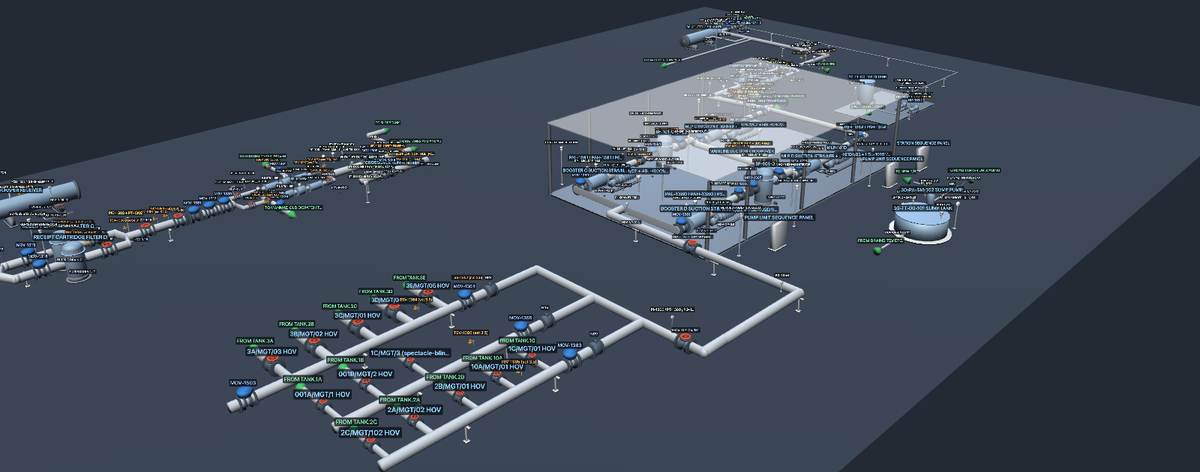
MANMAD Dispatch Terminal — Sketch (P&ID only)
A full dispatch terminal from one as-built P&ID sheet — 635 named parts: tank manifolds, pump house, metering, pig launcher.
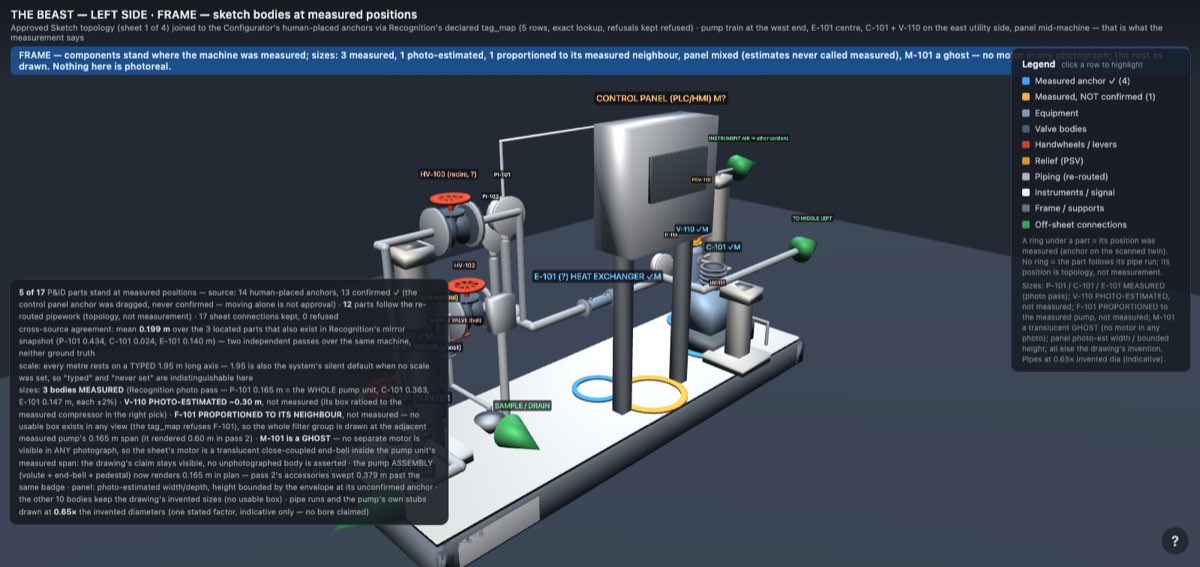
THE BEAST — left side (Frame: drawing + photographs)
The P&ID sketch joined to the measured photo positions — the left-side cart's parts moved to where the photographs measured them.
THE BEAST — the whole machine (Photo Sketch)
All four carts, built from 44 photographs alone — no drawing — in about 40 minutes with almost no human interaction. Reading this blind takes a strong AI engine (Fable 5) behind it.
Your machine could be the sixth
Email a P&ID, photographs of the machine, or both — a PDF, or clear phone pictures — and you get a link like the ones above back.
Your material is read on our side with a person in the loop, so it isn't instant — but it's fast: typically you have your link the same day.
Email your drawing or photos